AI folder icons for Mac
Describe it.
FoldTone draws it.
Write an idea, pick a style and FoldTone draws a whole new folder, or artwork for your own. Then it goes straight to Finder. Color and design folders by hand, too.

“a penguin in a red scarf on an ice floe” 
“a panda eating bamboo” 
“a squirrel on an old wooden crate in autumn” 
“a lion peeking out of tall grass” 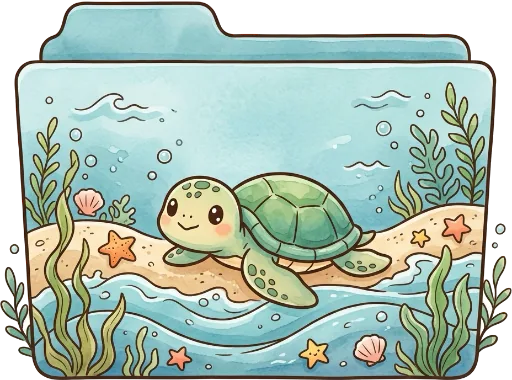
“a sea turtle on a sandy beach” 
“a fox in a log cabin with autumn leaves” 
“a bunny in a carrot garden” 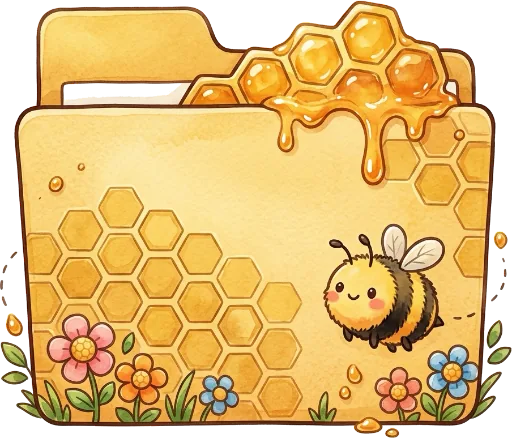
“a honey bee and dripping honeycomb” 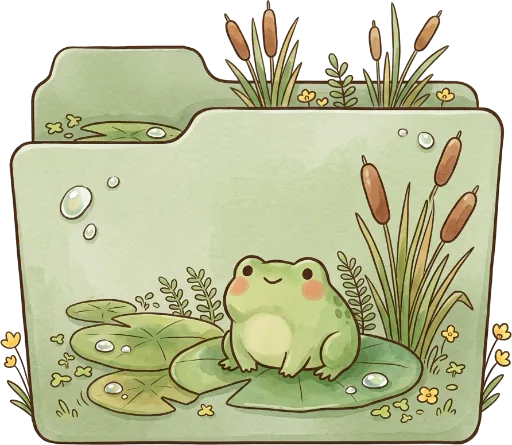
“a frog on a lily pad in the reeds” 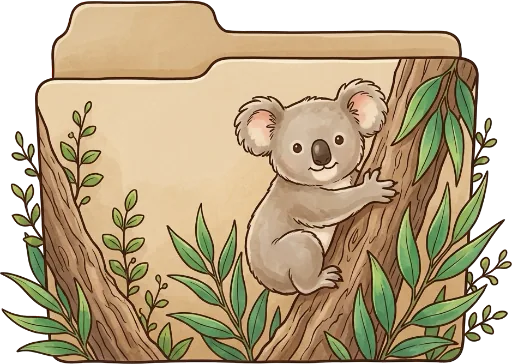
“a koala climbing a eucalyptus tree” 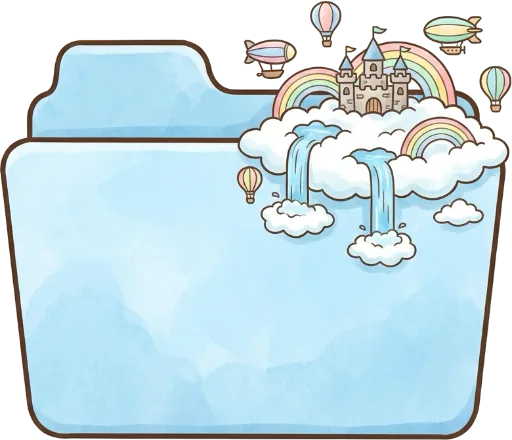
“a castle on the clouds with rainbows” 
“a budgie on a swing with wheat”
Glossy 3DRealisticCartoonWatercolorPixel Art
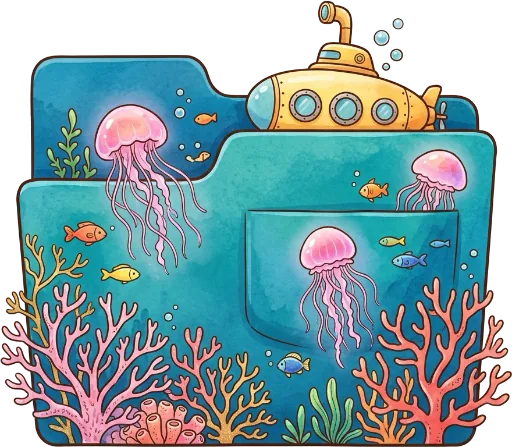
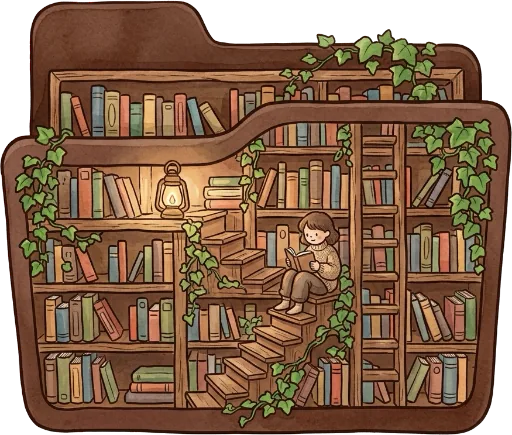
Every folder above was drawn by FoldTone from a one line description. Improve turns a short idea into a detailed one.
Find it before you read it.
Color says what a folder is. A badge says where it stands. Your Finder stops being a wall of blue.
 Projects
- Photos
 Taxes 2026
 Music
Music Clients
 Ocean
Ocean Recipes
 Archive
 Garden
 Reading
 Invoices
 Downloads
Folders
One click, a new color.
Choose a folder and give it one of 24 hand picked tones or any color you like. FoldTone keeps the real macOS folder, its light and its shadow.












 Coral
CoralThen let it tell you something.
Finishes, papers, badges and live overlays, all drawn on the folder itself.
Finishes
From the familiar macOS look to brushed aluminum and a pearly luster. Pro
 Classic
 Matte
Matte Brushed Metal
 Gloss
Gloss Pearl
Pearl
Papers
Papers peek out when a folder has files in it and hide when it is empty.
 Paper
Paper Lined Paper
 Photos
 Documents
 Letters
Status badges
Mark a folder done, in progress or urgent, shared, locked or archived.
 Done
Done In Progress
 Urgent
 Shared
 Locked
 Archive
Storage bar
How full a folder is, measured quietly on your Mac.
 Capsule
 Segments
 Battery
 Light
Light
Item count
How many items it holds, without opening it.
 Capsule
 Segments
 Battery
 Light
Light
AI folders
Describe it and FoldTone draws a whole new folder in Glossy 3D, Realistic, Cartoon, Watercolor or Pixel Art.
- Penguin
- Fox
- Lion
- Cloud Castle
- Submarine
- Library
Designer
A layer editor made for folders.
Add text in ten typefaces, emoji, thousands of symbols, shapes and your own images. Move, rotate, align and group layers, lock the ones you like and paint right on them.
- Remove an image background in one click
- Magic Wand selects a color and deletes it
- Every step can be undone
- Drafts save themselves while you work

AI
Two ways to use AI.
Have AI draw a whole new folder, or decorate your own folder with artwork that sits on its front. Glossy 3D, Realistic, Cartoon, Watercolor and Pixel Art.
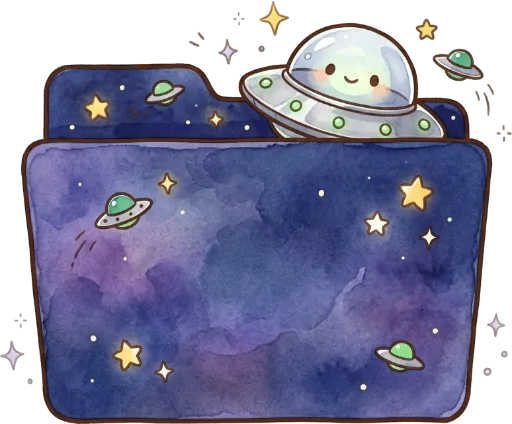
“a tiny alien ship over a purple galaxy” “a cozy library with ivy and a ladder” “a castle on the clouds with rainbows” “a yellow submarine with jellyfish and coral” 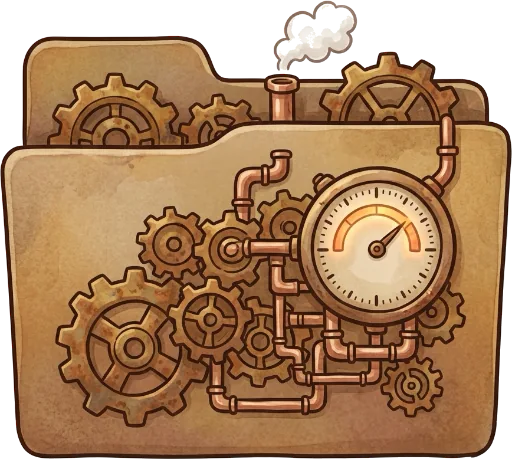
“steampunk gears and a pressure gauge” “a budgie on a swing with wheat”
Collection
Everything you make in one place: AI folders, AI decorations, your designs and drafts, and the sets you buy. Apply any of them to as many folders as you like.
Templates
Ready made looks and template sets. Free sets work for everyone, Pro sets come with FoldTone Pro.
Store
Folder sets designed by FoldTone, bought once with credits and kept in your Collection.
Private by design.
FoldTone works on the folders you choose and nothing else. Your designs stay on your Mac. Only the description you write for AI is sent to create the image. No account, no ads, no tracking.
Read the privacy policyPricing
Free to start. Yours to keep.
No subscription. The App Store shows the price in your currency before you buy.
FoldTone
Free
- Color folders with 24 tones or any color
- Free template sets
- 2 AI images to try, on the house
- Restore any folder to its default
FoldTone Pro
$4.99
- The Designer
- Matte, Brushed Metal, Gloss and Pearl finishes
- Your own images, smart overlays
- Cascade a look to subfolders
- Pro template sets, Store discounts
- 300 bonus AI credits
AI credits
Bought once, kept. A standard image is 50 credits, the best quality 150.
- 500 credits$2.99
- 1,350 credits$6.99
- 3,300 credits$14.99
- 7,500 credits$29.99
Questions
Which Macs does FoldTone run on?
Any Mac with macOS 14 Sonoma or later, Apple silicon or Intel.
Does FoldTone touch my files?
No. It only sets the icon of folders you choose. The documents inside stay exactly as they were, and Restore Default gives any folder its standard icon back.
Is there a subscription?
No. FoldTone is free, FoldTone Pro is a one time purchase of $4.99 with 300 AI credits included, and AI credits are bought once and kept.
What does AI see?
Only the description you write and the options you pick. Your folders, their names and their contents never leave your Mac. Descriptions and images are not stored on the server.
What happens when I rename or move a styled folder?
FoldTone follows it. A folder keeps its look wherever it goes.
Can I use my own pictures?
Yes, with FoldTone Pro. Drop in an image, remove its background in one click and place it on the folder in the Designer.
